APKPure
APKPure quick access to update your apps and games without registration

Safe & Secure

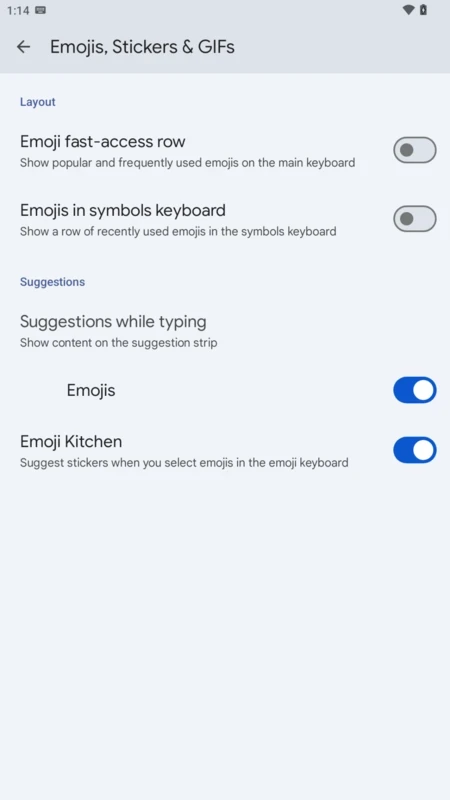

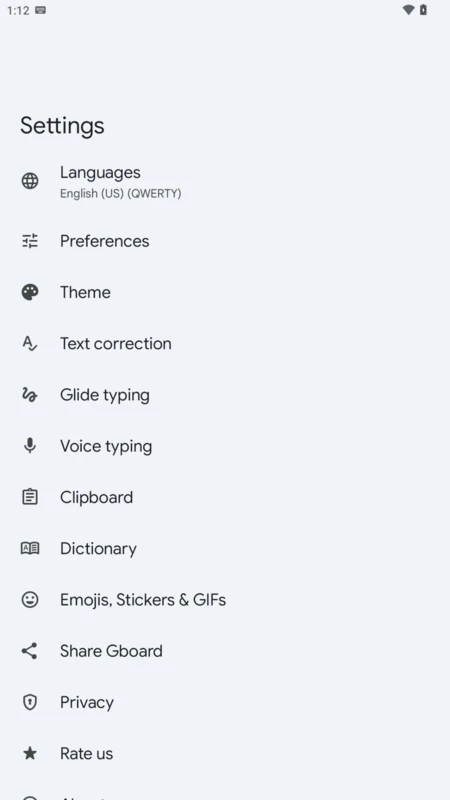
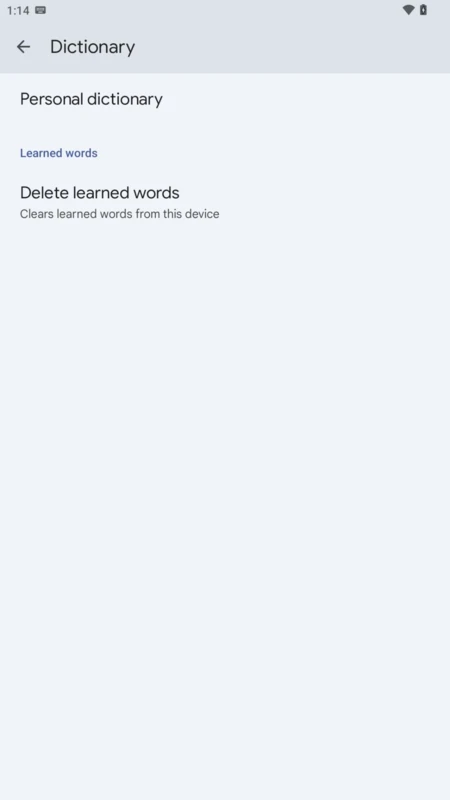
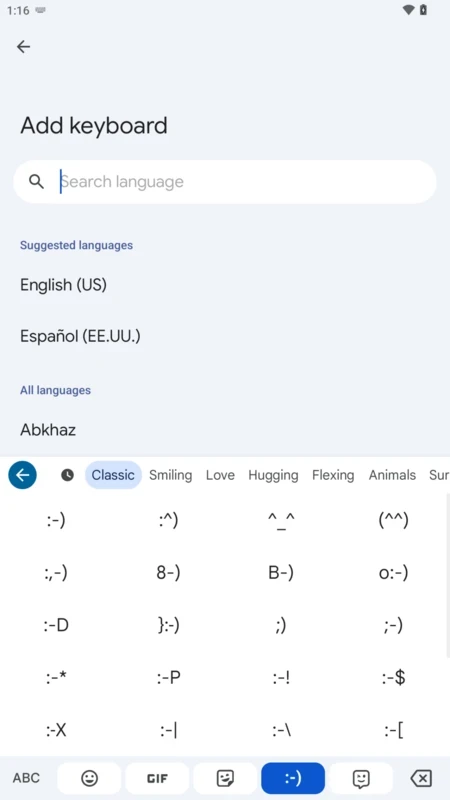

Gboard is a virtual keyboard, officially designed for Android devices and tablets that tailors a customizable keyboard experience. It supports multiple input methods such as gesture, voice, handwriting, and usual on-screen letter-tapping.
The feature-rich handy tool supports multiple languages, real-time translation, browsing for stickers and GIFs, and also offers a save to the clipboard option. It is one of the most popular apps, as according to Google Play Store, it has 1TB downloads across the world.
Gboard was developed by Google and was published in May 2016 for iOS, and for Android devices for December 2016. It comes pre-installed in multiple smartphones and offers Google Search that includes web results, predictive answers, and easy searching of GIFs as well. The support for a huge collection of languages and scripts helps bilingual and multilingual users.
The app offers a minimalist design with multi-color support and allows the user to modify settings according to their requirements. You can input your searches in various ways, including typing, voice-dictation, and so on.
The multi-support to input your searches is one of the best options, as it enables you to select the method that better suits you, such as;
The minimalist design offers a lot of incredible capabilities, and also various color schemes. The customizable keyboard isn’t flashy, as it looks like a traditional mobile keyboard layout similar to other virtual keyboards. But a lot of innovative features are hidden that make it unique and awesome. When you have used it for a long time, it is difficult to knock off the style.
The seamless customization options are available for your ease in making changes according to your taste. So, it offers various color schemes to apply your favorite one, select dark or light modes, and modify the size and position. The enabling of the permanent number row and resize keys is also possible. Sort, add, and remove icons while customizing the entire toolbar. Toggle on the haptic feedback, keypress sounds, and also long press duration. Give a long press to the space bar for quick switching between languages.
The unparalleled typing experience gives the keyboard more uniqueness, as an accurate autocorrect tool allows fast typing while leading to fewer mistakes. The compatibility with machine learning helps to explore the typing style of users and generate more accurate predictive typing. It makes your typing quick, as commonly predicted suggestions prove useful, and helps to focus on the text, instead of watching every keypress.
The built-in Translator allows quick translation for typing within compatible apps, right from the keyboard. As the app offers support for hundreds of popular languages and writing systems, including complex scripts, with simultaneous detection and auto-correct facilities. Simply select a target language, and type in your own language to see a translation, and there's no need to switch apps for replying in chats. In addition, updated custom dictionaries are available based on the history, errors, and habits.
Smart Search is a dedicated button available right on the keyboard to offer hundreds of emojis and also GIF search. You need only to enter keywords, and access to your favorite emojis, stickers, and GIFs. It is possible to search, mix, or generate new expressions and awesome combinations for use in the chats. No need of using additional app, instead send visual content right from the keyboard. It also allows you to create bitmojis and stickers based on your face to send to others.
The incorporation of the clipboard manager with the app allows users to save, pin, and paste recent text more reliably. It also offers enhanced security for sensitive data, such as passwords, one-time verification codes, and so on, which are automatically deleted. The history is also removed from the app, and copying and pasting of several texts is also possible.
Pros
Cons

APKPure quick access to update your apps and games without registration

vnROM BYPASS FRP GOOGLE ACCOUNT from your Android device

Aptoide APK provides limitless apps to install and share

Download Google Play Store APK for Android and enjoy your favorite Android apps or games on your mobile devices

FRP Bypass is a free tool used for bypassing the Google lock, screen lock, and factory reset.

InstaUp automates your Instagram followers free of charge